
Book your free in-home consultation today.
Best Smart Control Options for Motorized Blinds in Ontario: Alexa, Google Home, Siri, Apps, Remotes and Smartwatches
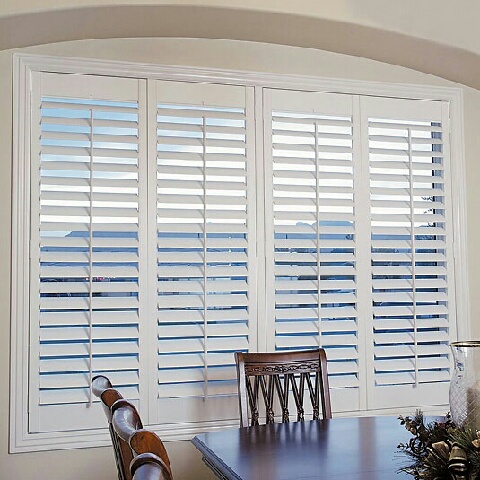
Motorized blinds can be controlled by a simple handheld remote or connected to a broader smart-home system. The best control method depends on reliability, household preferences, internet access, existing devices and how many blinds need to operate together.
What Is the Best Way to Control Motorized Blinds?
For most Ontario homes, the most reliable setup combines a dedicated remote or wall control for everyday operation with an optional app and compatible smart-home hub for schedules, scenes and voice commands. Alexa, Google Home, Siri or Apple Home, smartphones, tablets and smartwatches may be available when the selected motor and bridge support that ecosystem.
Always confirm compatibility before ordering. A motor described as “smart” does not automatically work with every app, hub or voice assistant. Review Shutter Outlet’s current smart blinds guide for Google Home, Alexa and app control.
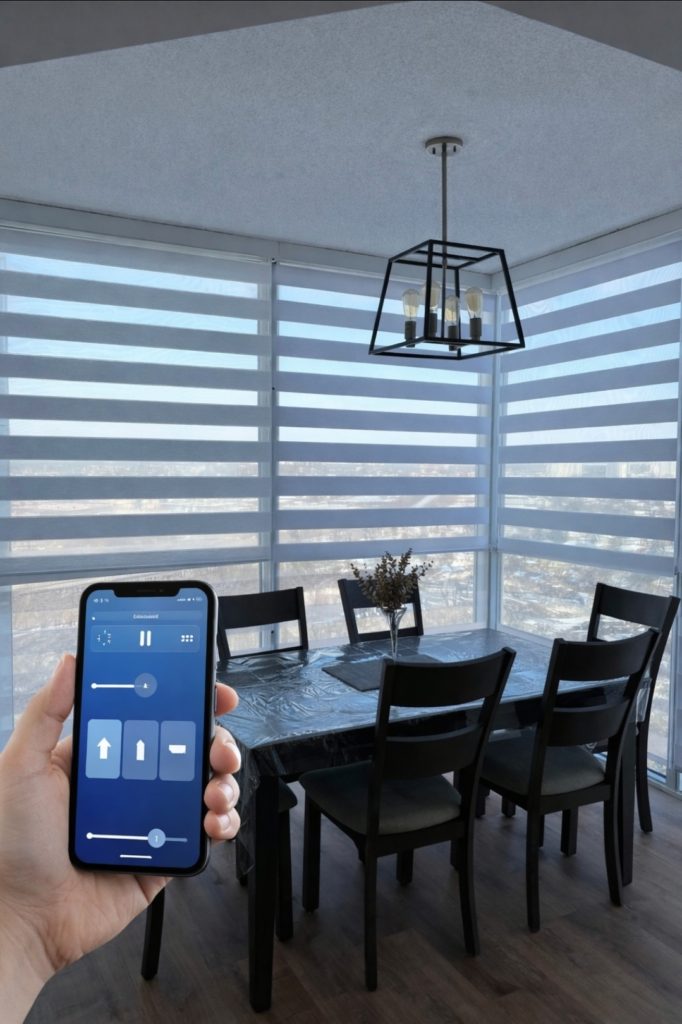
Smart Blind Control Options at a Glance
| Control Method | Best For | Main Advantage | Important Limitation |
|---|---|---|---|
| Handheld Remote | Everyday use and guests | Fast and dependable | No remote access unless paired with a hub |
| Wall Switch or Wall Remote | Bedrooms and common rooms | Always stays in one location | May require wiring or mounting |
| Smartphone App | Schedules, scenes and remote access | Detailed control and automation | May depend on hub, account or internet |
| Amazon Alexa | Voice control and routines | Hands-free operation | Requires compatible motor or bridge |
| Google Home | Android and Google ecosystem | Voice control and household routines | Compatibility must be confirmed |
| Siri / Apple Home | iPhone, HomePod and Apple users | Voice, scenes and automations | Requires Apple-compatible route such as HomeKit or Matter |
| Smartwatch | Quick personal control | Convenient without finding phone or remote | Usually works through phone or home ecosystem |
| Home-Automation System | Large luxury or integrated homes | Coordinates blinds with lighting, climate and security | Higher setup complexity and cost |
| Schedules and Sensors | Consistent privacy and glare control | Automatic daily operation | Requires correct programming and overrides |
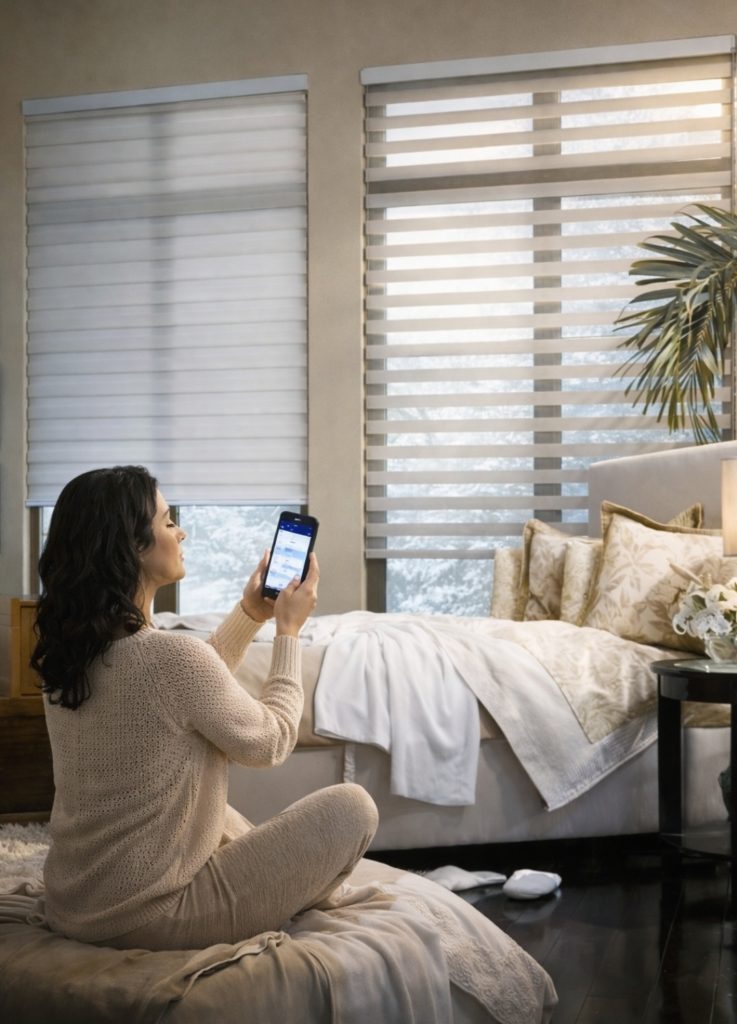
1. Handheld Remote Controls
A dedicated remote is often the most dependable way to operate motorized blinds. It does not require a phone to be charged, an app to be open or a visitor to understand the smart-home system.
- Single-channel remotes for one blind or one group
- Multi-channel remotes for several rooms
- Open, close and stop controls
- Favourite-position buttons on compatible systems
- Group controls for several blinds
- Useful backup when internet service is unavailable
2. Wall Controls and Wall-Mounted Remotes
Wall controls provide a familiar light-switch-style experience. Wireless wall remotes can be mounted without major electrical work, while hardwired controls may be integrated during construction or renovation.
3. Smartphone and Tablet Apps
A compatible app may allow homeowners to name blinds, group rooms, set favourite positions, create schedules and operate blinds while away from home.
- Confirm whether the app requires a hub.
- Confirm whether remote access depends on cloud service.
- Ask which household members can receive access.
- Confirm whether schedules continue when internet service is interrupted.
- Ask how firmware and account changes are supported after installation.
4. Amazon Alexa Control
Compatible smart blinds can be included in Alexa routines and voice commands. A homeowner may use commands such as opening the living-room blinds, closing the bedroom shades or activating an evening privacy scene.
Compatibility may require a manufacturer hub, Matter bridge, Zigbee integration or another approved connection. Do not assume a Wi-Fi motor automatically supports Alexa.
5. Google Home and Google Assistant Control
Google Home can provide voice control, routines and room grouping when the blind motor or bridge is compatible. It is useful in homes already using Nest displays, Android phones and Google household routines.
6. Siri, Apple Home and HomeKit Control
Apple users may control compatible blinds through Siri, Apple Home, iPhone, iPad, HomePod or Apple Watch. The required connection may use native HomeKit support, Matter, Thread or an approved manufacturer bridge.
The words “works with Siri” should be verified in writing. Some systems use Siri Shortcuts rather than full Apple Home integration, and the available automations may differ.
7. Smartwatch Control
Smartwatch control is normally an extension of the phone or smart-home ecosystem. It can be useful when homeowners want to adjust privacy without carrying a phone or locating a remote.
- Apple Watch through Apple Home or compatible app
- Wear OS watch through Google-compatible systems
- Manufacturer watch app where available
- Voice command through the watch assistant
- Scene buttons or shortcuts
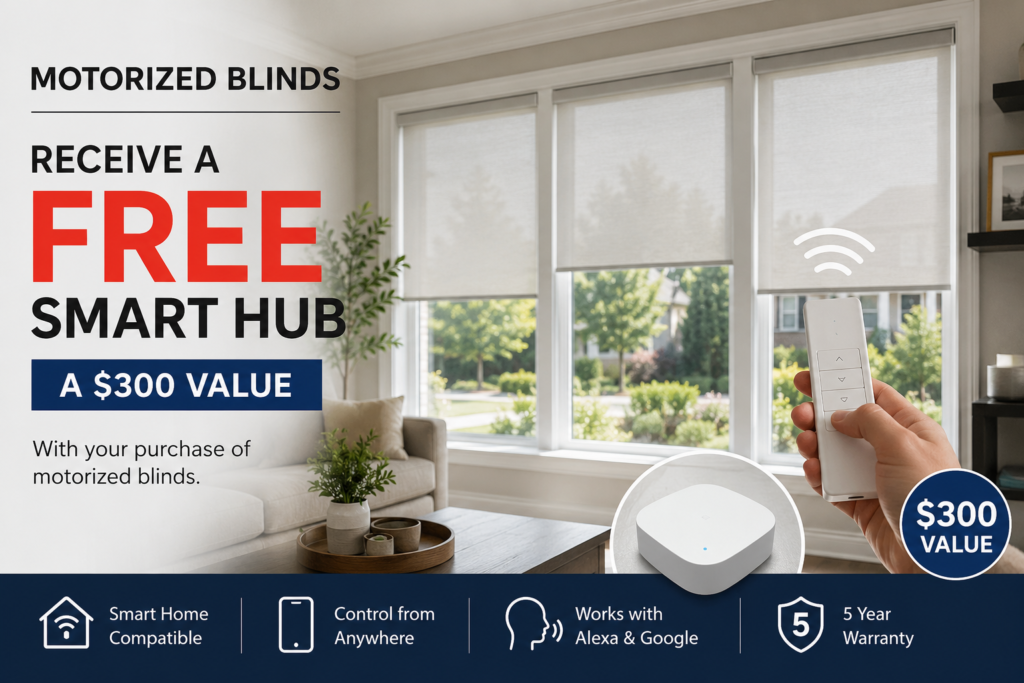
8. Schedules, Scenes and Automations
Automation is where smart blinds provide more value than a basic motorized blind.
| Automation | Example Use |
|---|---|
| Morning Scene | Open bedroom blinds gradually after waking |
| Workday Glare Scene | Lower office sunscreen shades before direct afternoon sun |
| Evening Privacy Scene | Close street-facing blinds at sunset |
| Movie Scene | Close blackout shades and dim compatible lighting |
| Away Scene | Move selected blinds to make the home appear occupied |
| Heat-Control Schedule | Lower sunny-window shades during peak summer heat |
| Winter Daylight Schedule | Open south-facing blinds when useful solar light is available |
| Goodnight Routine | Close bedroom and main-floor blinds together |
9. Matter, Thread, Zigbee, Wi-Fi and Proprietary Hubs
These terms describe how smart-home devices communicate. Homeowners do not need to become network engineers, but the protocol affects compatibility and support.
| Technology | Practical Meaning |
|---|---|
| Wi-Fi | Connects directly or through a manufacturer service; can be simple but depends on network strength and product design |
| Zigbee | Low-power mesh protocol commonly requiring a hub or coordinator |
| Thread | Low-power mesh network used by some modern smart-home devices |
| Matter | Interoperability standard intended to help devices work across supported ecosystems |
| Bluetooth | Useful for local setup and short-range control; remote access may require a bridge |
| RF Remote | Reliable local radio control, often independent of home Wi-Fi |
| Proprietary Hub | Manufacturer bridge that connects motors to apps and smart-home platforms |
Do Smart Blinds Work Without Wi-Fi?
Many motorized blinds still operate using a dedicated RF remote when Wi-Fi or internet service is unavailable. App control, remote access, cloud routines or voice assistants may be limited until the network returns.
What Power Options Are Available?
| Power Type | Best Use | Planning Consideration |
|---|---|---|
| Rechargeable Battery | Completed homes and standard windows | Requires periodic charging access |
| Replaceable Battery | Selected systems | Ongoing battery replacement |
| Plug-In Transformer | Windows near an outlet | Visible cable management |
| Hardwired Low Voltage | New construction and major renovations | Electrical planning before finishes |
| Solar Accessory | Bright windows with compatible systems | Performance depends on placement and product |
Explore Shutter Outlet’s motorized roller blinds and motorized zebra blinds for product-specific options.
How Much Do Smart Controls Add to Motorized Blinds?
Smart control costs depend on the motor, hub, number of blinds, remote channels, wiring, programming and ecosystem. A basic remote-controlled blind normally costs less than a fully integrated whole-home system. One compatible hub may control several blinds, improving the average cost per blind in a larger project.
- Motor upgrade
- Multi-channel remote
- Wall control
- Smart hub or bridge
- App and account setup
- Voice-assistant linking
- Scene and schedule programming
- Hardwiring or electrical work
- After-installation support
Use the custom blinds cost guide for broader planning ranges.
Questions to Ask Before Ordering Smart Blinds
- Which exact motor is being quoted?
- Does it work with Alexa, Google Home, Siri or Apple Home?
- Is the compatibility native or dependent on a hub?
- Is Matter, HomeKit, Zigbee, Thread, Wi-Fi, Bluetooth or RF being used?
- Will the blinds still operate with a remote if the internet is down?
- How are batteries charged or replaced?
- Can one remote and app control several rooms?
- Can household members receive separate access?
- Are schedules stored locally or in the cloud?
- Who provides setup help after installation?
- What warranty applies to motors, remotes and hubs?
- What happens if the homeowner changes phones or internet providers?
Frequently Asked Questions About Smart Blind Controls
Can motorized blinds work with Alexa?
Yes, when the selected motor or hub supports Alexa.
Can motorized blinds work with Google Home?
Yes, compatible systems can use Google Home voice commands and routines.
Can I control blinds with Siri?
Some systems support Siri through Apple Home, HomeKit, Matter or approved shortcuts. Confirm the exact method before ordering.
Can I control blinds with an Apple Watch?
Compatible Apple Home or app systems may allow Apple Watch control.
Do smart blinds need a hub?
Some do and some do not. A hub is often required for advanced app, voice and remote-access functions.
Do smart blinds work when the internet is down?
A dedicated local remote normally continues to work, while cloud and voice functions may be unavailable.
Can one app control every blind?
Only when the motors and integrations are compatible and configured in the same system.
Can smart blinds be scheduled?
Yes, compatible systems can open or close blinds at selected times or as part of scenes.
Are motorized blinds safe for children?
Cordless motorized operation removes accessible operating chains and is a strong child- and pet-safe choice.
Where can I get smart blinds installed in Ontario?
Shutter Outlet provides consultation, measuring, installation and setup across Toronto, the GTA and many Ontario communities.
Why Choose Shutter Outlet?
Shutter Outlet is a Canadian, family-owned window covering company led by Rico and Enrico Ferri, with more than 30 years of hands-on Ontario industry experience. The company provides free in-home consultations, expert measuring, Canadian-made product options, professional installation, factory-direct pricing, warranty support and long-term after-service.
- Free in-home consultation and room-by-room recommendations
- Professional measuring for standard, large and specialty windows
- Canadian-made shutters, blinds and shades
- Manual, cordless, motorized and smart-home options
- Professional installation included with qualifying purchases
- Factory-direct pricing and seasonal savings on selected products
- Warranty support and help after installation
- Service throughout Toronto, the GTA and many Southern and Central Ontario communities
- 145+ 5-star reviews
Learn more about why Ontario homeowners choose Shutter Outlet, review the window-covering warranty and read recent customer testimonials.
Where Does Shutter Outlet Provide Service in Ontario?
Shutter Outlet provides in-home consultation, measuring and professional installation throughout Toronto, the GTA and many Southern and Central Ontario communities.
| Region | Communities |
|---|---|
| Toronto | Downtown Toronto, North York, Scarborough, Etobicoke, East York, York and surrounding neighbourhoods |
| York Region | Vaughan, Woodbridge, Maple, Kleinburg, Richmond Hill, Markham, Aurora, Newmarket, King City, Stouffville and East Gwillimbury |
| Peel and Halton | Mississauga, Brampton, Caledon, Bolton, Oakville, Burlington, Milton and Georgetown |
| Durham Region | Pickering, Ajax, Whitby, Oshawa, Bowmanville, Uxbridge and Port Perry |
| Simcoe and Georgian Bay | Barrie, Bradford, Innisfil, Alliston, Collingwood, Blue Mountain, Wasaga Beach, Midland and Orillia |
| Hamilton, Niagara and West | Hamilton, Stoney Creek, Grimsby, St. Catharines, Niagara Falls, Waterloo, Kitchener, Cambridge, Guelph, Brantford and Stratford |
| Cottage Country | Muskoka, Bracebridge, Gravenhurst, Huntsville, Kawartha Lakes, Lindsay and surrounding communities |
View the current Shutter Outlet service locations or book a free in-home consultation.
Plan a Reliable Smart-Blind System
Online guides can establish a preliminary direction, but the final recommendation should account for the actual windows, room use, sunlight, privacy, daily operation and budget.
- Motor and ecosystem compatibility review
- Remote, app and voice-control comparison
- Battery, plug-in and hardwired options
- Room grouping and schedule planning
- Professional measuring and installation
- Expert setup and long-term phone support
BOOK A SMART-BLIND CONSULTATION or call 416-717-9163 / 905-505-1163.
Share This Post